
Kubernetes Kubectl Commands
Kubectl commands are used to interact with Kubernetes objects and the cluster. In this section, we will discuss a few commands used in Kubernetes via kubectl.
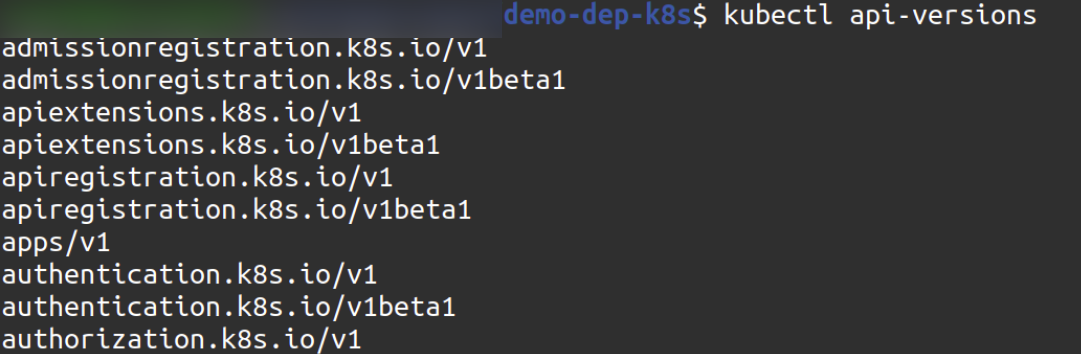
kubectl api-versions − It prints the supported versions of API on the kubernetes cluster.
$ kubectl api-versions
kubectl apply − It has the ability to configure a resource by file or stdin.
kubectl apply -f <filename>

kubectl autoscale − This is used to auto scale pods which are defined in yaml file such as Deployment, replica set, Replication Controller.
$ kubectl autoscale (-f FILENAME | TYPE NAME | TYPE/NAME) [--min = MINPODS] --max = MAXPODS [--cpu-percent = CPU] [flags]
$ kubectl autoscale deployment foo --min = 2 --max = 10

kubectl cluster-info − It displays the cluster Information.
$ kubectl cluster-info

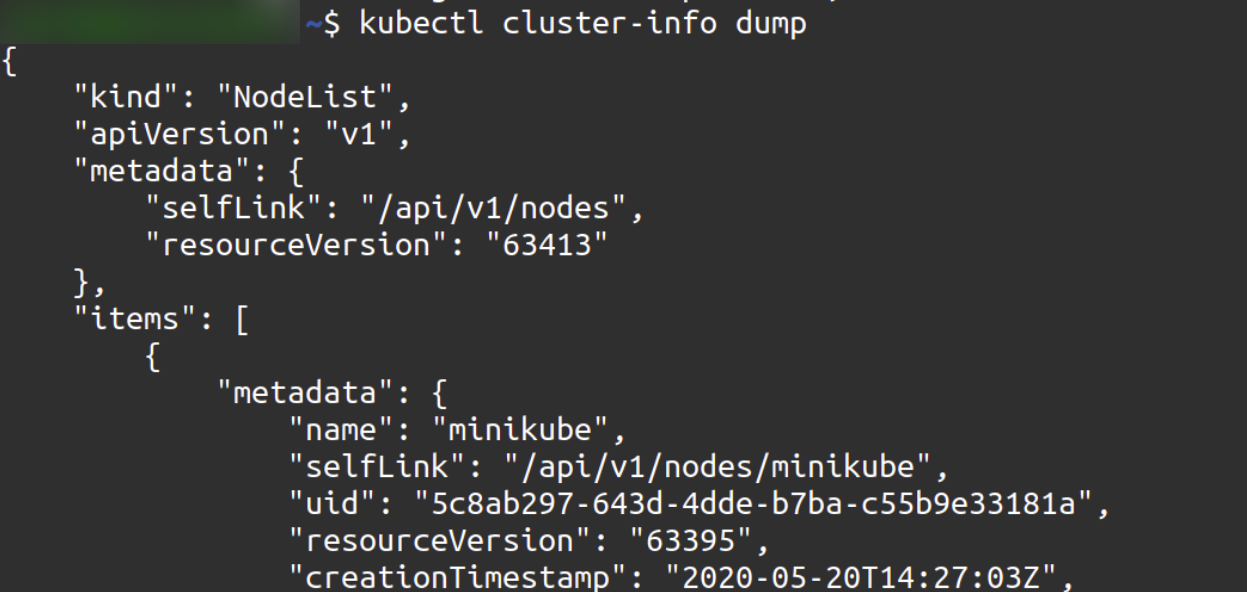
kubectl cluster-info dump − It will dump the relevant information regarding clusters for debugging and diagnosis.
$ kubectl cluster-info dump
$ kubectl cluster-info dump --output-directory = /path/to/cluster-state
kubectl get deployments − It will list down all existing deployments
$ kubectl get deployments

kubectl get pods − It will display all running pods.
$ kubectl get pods

kubectl exec − Enter in a running pod
$ kubectl exec -it <pod-id> /bin/bash

kubectl edit deployment − Edits/Modifies a running deployment
$ kubectl edit deployment <deployment-name>

kubectl config get-clusters − It will display the cluster defined in the kubeconfig.
$ kubectl config get-clusters

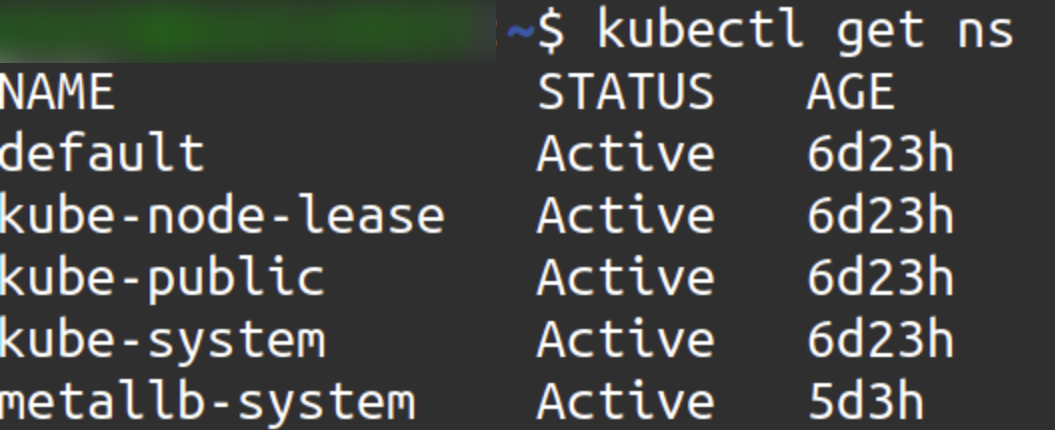
kubectl get namespace − It will list down all the namespaces.
$ kubectl get namespace
          Or
$ kubectl get ns
kubectl get deployments -n
$ kubectl get deployments -n <namespace-name>

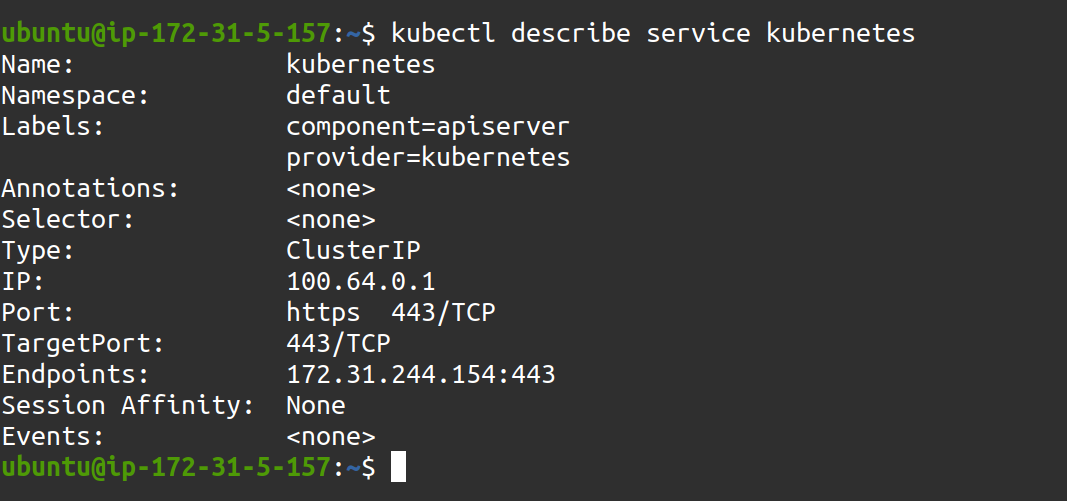
kubectl describe service − Describes information about particular service
$ kubectl describe service <service-name>
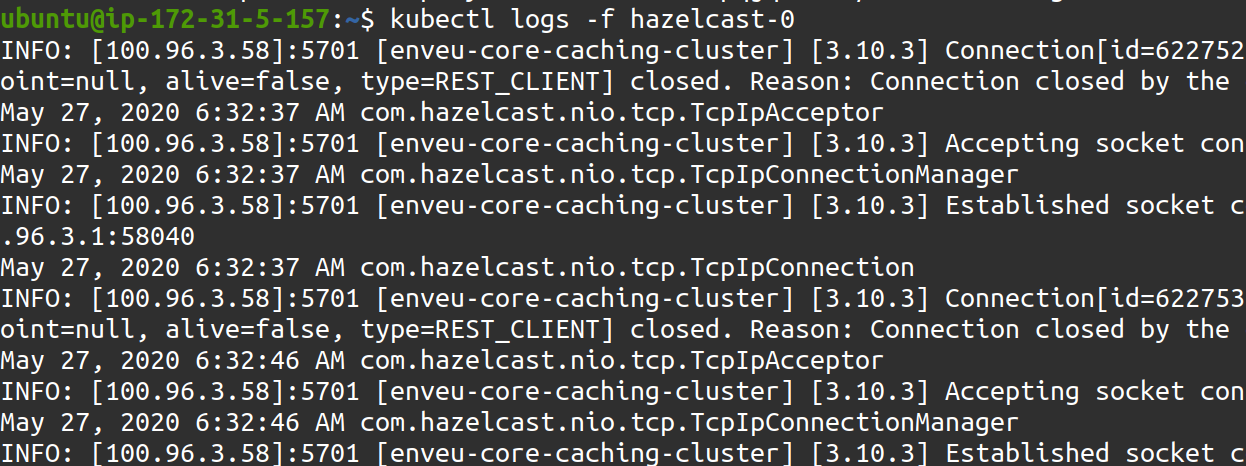
kubectl logs − Displays logs of a pod.
$ kubectl logs -f <pod-id>
kubectl create namespace − Create a different namespace in your cluster.
$ kubectl create namespace <namespace-name>

kubectl apply -f -n − Create a deployment/service in a particular namespace
$ kubectl apply -f <file-name> -n <namespace>

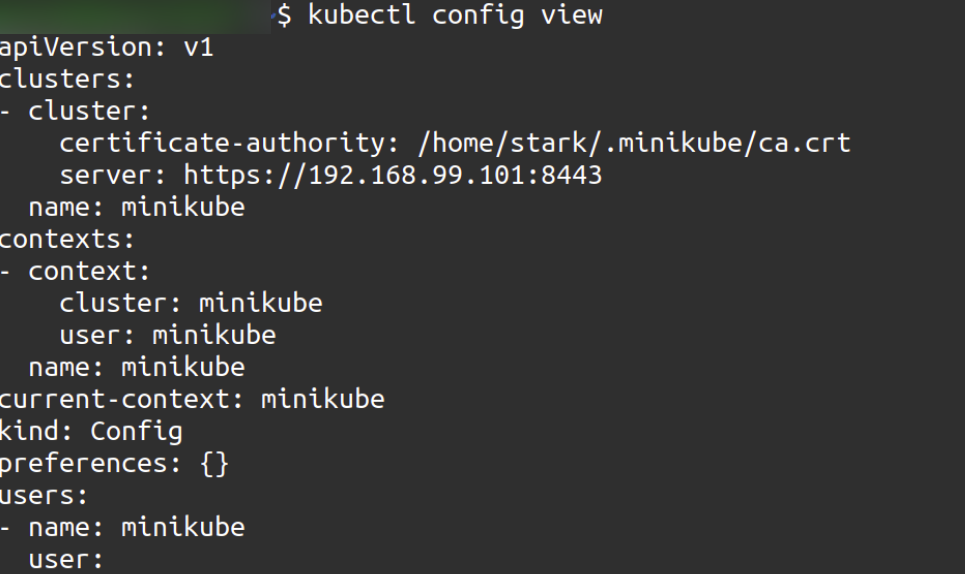
kubectl config view – It enables to view the configuration
$ kubectl config view
$ kubectl config view -o jsonpath='{.users[?(@.name == "e2e")].user.password}'
kubectl get service – list down all running service
$ kubectl get service
       Or
$ kubectl get svc

kubectl rollout − It has the ability of managing the rollout of deployment.
$ Kubectl rollout <Sub Command>
$ kubectl rollout status deployment/nginx
